What’s up, tech family? Welcome back to Elite Home Vault – your premium YouTube channel for cutting-edge smart home tech, expert breakdowns, and zero-fluff setups designed for high-end living anywhere in the world. If you’re watching from a tier-1 city or building your dream secure home, you’re in the right place. Hit that subscribe button and turn on notifications – we drop daily pro tips that actually save you time and money.
Today we’re diving deep into how to set up a smart home security system in 2026 – the exact blueprint top experts and homeowners are using right now. Whether you’re starting from scratch or upgrading, this step-by-step guide will get your home protected with AI cameras, smart locks, sensors, and seamless app control. Let’s make your home Fort Knox 2.0.
Step 1: Plan Like a Pro (5 Minutes)
Before you buy a single device, answer these questions:
- Apartment, house, or villa? How many entry points?
- Indoor/outdoor coverage needed?
- Budget: $200–$500 for starter DIY or $1,000+ for full pro integration?
- Do you want no monthly fees (local storage) or 24/7 professional monitoring?
2026 Top Picks (Global + India-Friendly):
- Best DIY Overall: SimpliSafe or Ring Alarm Pro – super easy, expandable.
- Best Privacy/No Fees: Eufy (solar-powered 4K cams + local storage).
- Best Smart Integration: Vivint or Abode (Matter standard for cross-platform magic).
- India Bonus: Qubo or Godrej systems – STQC certified, perfect for local power and monsoon conditions. All available on Amazon/Flipkart.
Pro tip: Prioritize wireless battery/solar devices for easy install and power-cut protection.
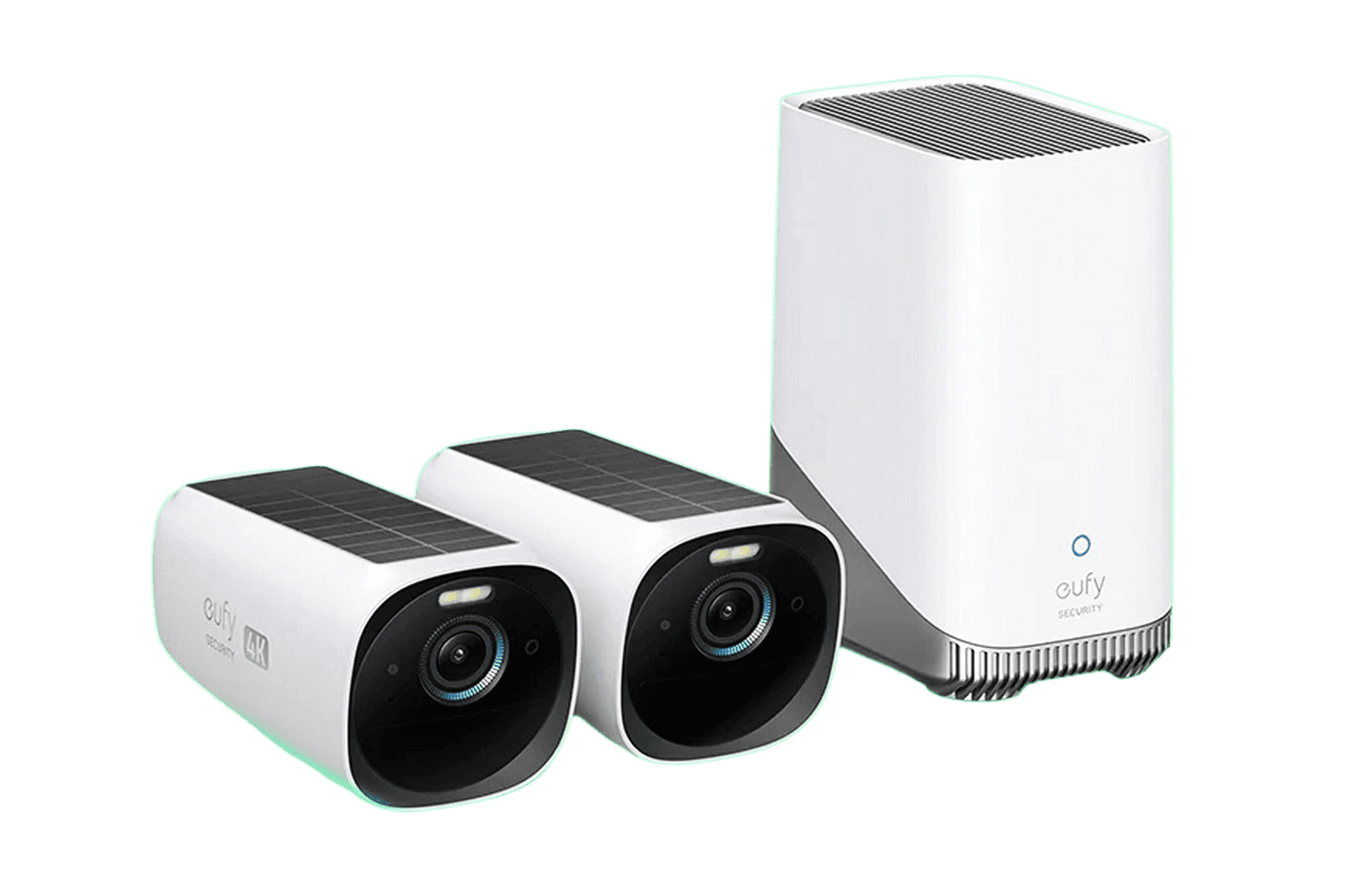
safehome.org
Step 2: Bulletproof Your Wi-Fi First (Critical in 2026)
Smart devices = hacker targets. Do this before anything else:
- Upgrade to a modern router with WPA3 encryption.
- Create a separate IoT/Guest network (VLAN if possible) so cameras stay isolated.
- Enable automatic firmware updates on everything.
- Use a strong password + 2FA on your router and all apps.
In places like Uttar Pradesh with occasional power dips, go for mesh Wi-Fi systems (Eero, TP-Link Deco) for rock-solid coverage.
Step 3: Choose & Buy Your Gear
Core starter kit (under $400):
- Video doorbell camera
- 2–4 door/window sensors
- Indoor/outdoor wireless cameras (AI motion detection)
- Smart lock for main door
- Base station/hub (if not built-in)
Look for Matter-certified devices – they work with Google Home, Alexa, Apple HomeKit, and more without headaches.
Step 4: Install Like a Pro (30–60 Minutes)
Everything in 2026 is peel-and-stick wireless – no drilling nightmares.
- Place the base station/hub centrally, plugged into power + Ethernet if possible.
- Mount cameras high (8–10 ft, face-level for recognition) with clear views of doors/driveways. Use solar panels for outdoor cams.
- Stick sensors on doors/windows (1-inch gap max).
- Install smart lock – most replace your existing deadbolt in minutes.
- Follow the app’s QR code scan – it pairs instantly.
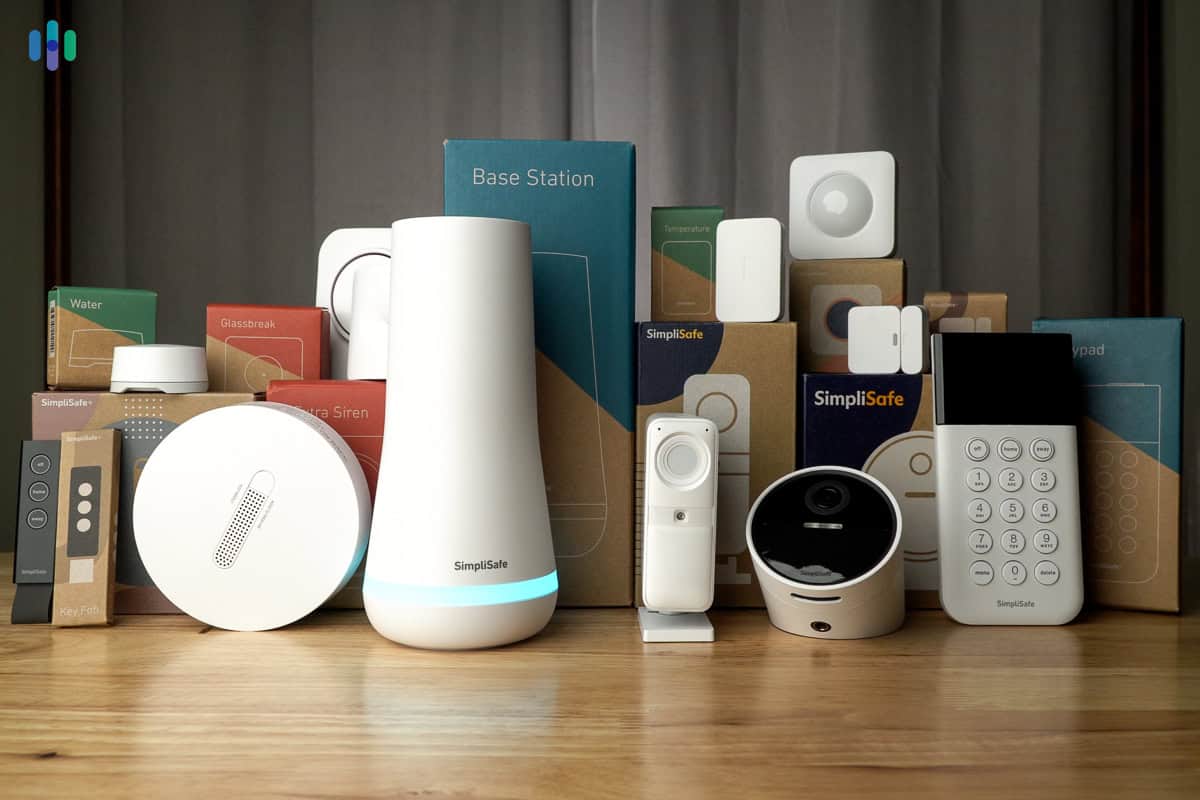
security.org
Step 5: Configure, Automate & Test
- Download the brand app → create account → add devices.
- Set up AI zones so you only get alerts for people/vehicles (not pets or cars).
- Create routines: “Away mode” arms everything + turns on lights.
- Test: Open doors, walk in front of cameras, trigger motion. Check app notifications and siren.
- Add professional monitoring if you want 24/7 emergency dispatch (optional, ~$10–30/month).
Step 6: Lock Down Privacy & Maintenance (Non-Negotiable)
- Enable end-to-end encryption and local storage where possible.
- Never use default passwords.
- Check for firmware updates monthly.
- Place “Security System Protected” signs outside – proven deterrent.
- In India: Make sure outdoor cams are IP65+ weatherproof for monsoons.
Full Ecosystem Diagram for visual learners:
How to Set Up My Home Decoradtech: Step-by-Step Guide – Spinchill
There you have it – your home is now smarter and safer than 95% of households in 2026.
Drop in the comments:
- What’s your biggest security worry right now?
- SimpliSafe, Ring, Eufy or Qubo for you?
- DIY or calling a pro?
If you want product links, full shopping list, or a follow-up on smart lighting + security automation, smash the like button and comment “GUIDE” below. We’ll reply with exclusive bonuses.
Thanks for watching, stay secure, and I’ll see you in the next video. Elite Home Vault – where your home gets upgraded. ⚡?